For Adobe InDesign
Color
Studio.
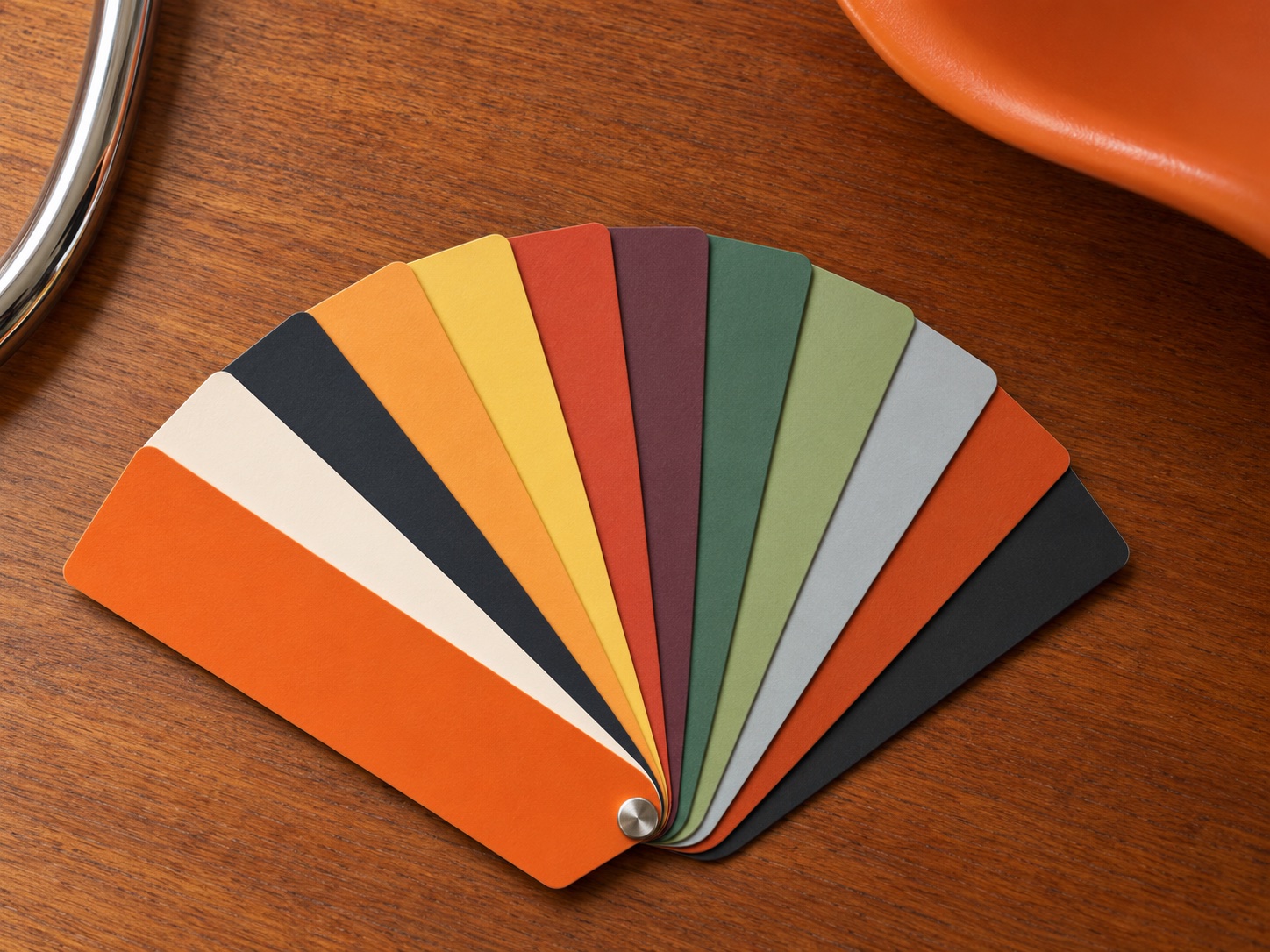
The right palette is often the hardest place to start. Color Studio brings a collection of colour directions into InDesign, ready to explore and adjust. Find a starting point, shape it around your idea, and keep working in the document where that idea takes form.
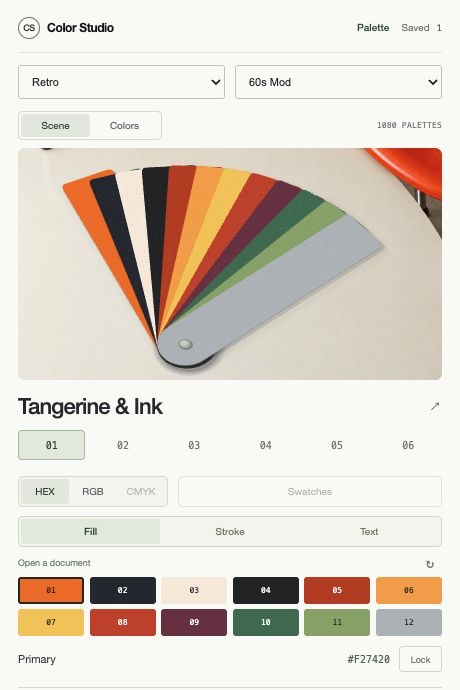
A look inside.
The current interface, in a short guided preview.
Based on the development version. Adobe document actions are not shown.
Try a palette.
Choose a style, then select a colour to copy its HEX value.

Forest & Clay
in context.
Six sample palettes. This browser demo does not edit an Adobe document.
We couldn’t load the palette explorer. Please refresh the page to try again.
From a first idea
to your document.
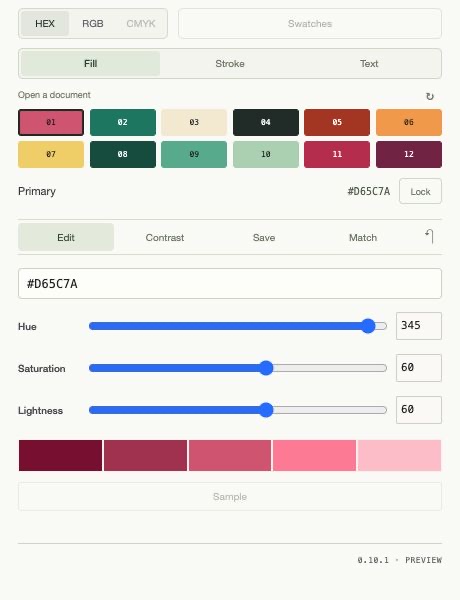
Explore fifteen style families and make a palette your own. Refine its twelve colours in HEX, RGB or CMYK, with CMYK conversion following your InDesign document profile. Add the colours to your document swatches and save useful palettes in your library.
Good to know.
Can I download Color Studio?
This is a preview. Downloads, pricing and release details will follow when Color Studio is ready.
Which applications are supported?
The current plugin is for Adobe InDesign. Illustrator and Photoshop integrations are not available. Final system requirements will be published with the release.